
Label inspection systems UK
In-line label inspection for identity, print and position
Verify that the correct label is present, applied in the right place and carries the expected barcode and printed information before the product leaves the line.
Direct answer
What does a label inspection system check?
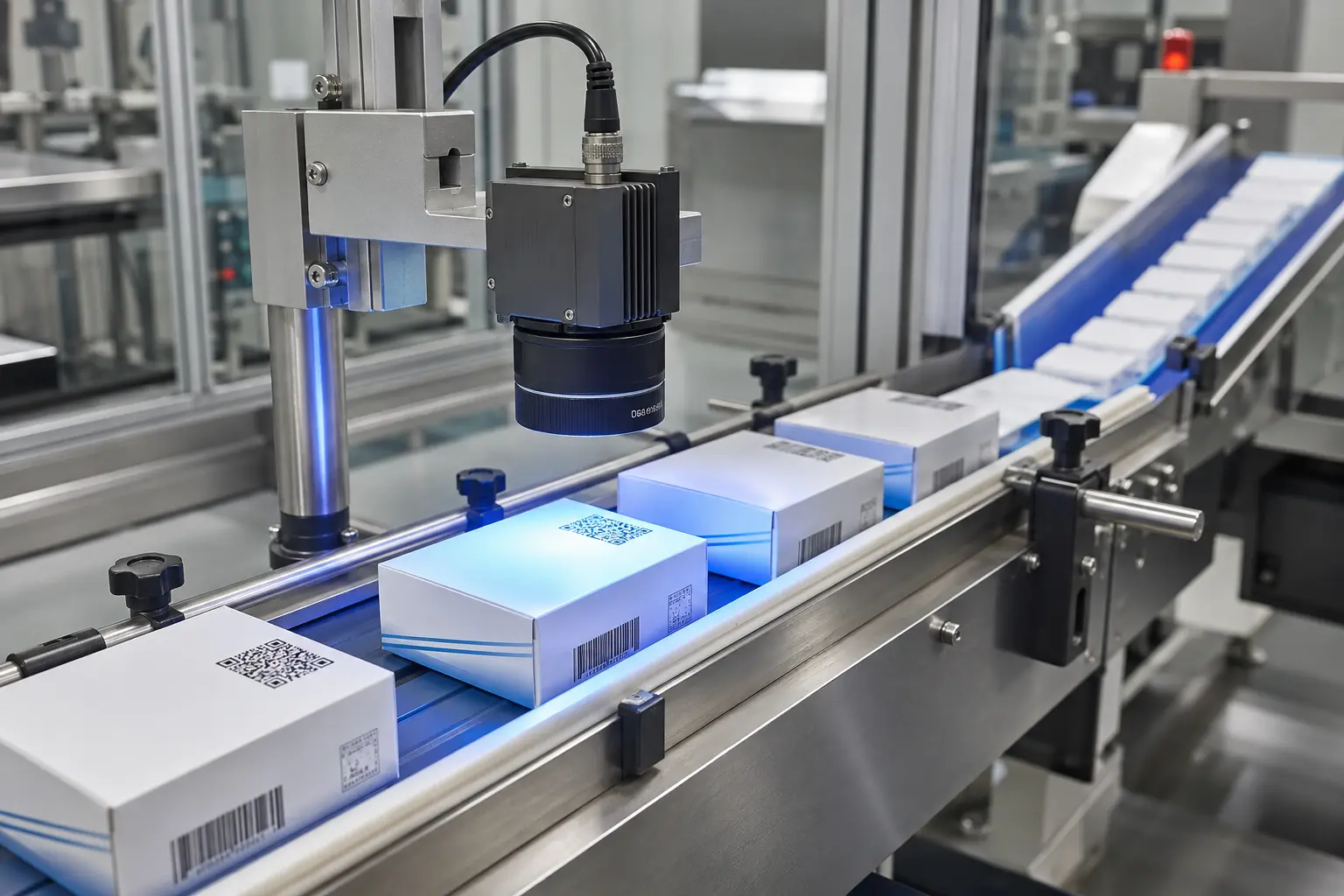
A label inspection system uses machine vision to confirm label presence, position, orientation, identity and selected print fields on every presented product. Barcode decoding, OCR, OCV and visual features can be combined to distinguish a correct label from a wrong, missing, damaged or poorly applied label.
The inspection should be configured around the actual failure risk. Product-to-label matching proves identity; barcode grading measures symbol quality; OCR reads variable text; and OCV compares printed characters with an expected value.
Production outcomes
Catch label faults while the product is still controlled
Find missing or misplaced labels
Check barcode and printed fields together
Create a repeatable pass/fail record
Label decisionPresence • identity • text • code
How it works
Inspect the label as data, not just an image
A presence sensor can show that something is attached; it cannot prove that the label belongs to the product. A vision inspection can locate the label, identify stable artwork features and read the information that changes with the job.
- 01
Locate and align
Find the label or a reference feature so inspection regions follow normal movement and placement variation.
- 02
Read and compare
Decode barcodes and use OCR or OCV for dates, batches, serials and approved text fields.
- 03
Make one product decision
Combine label results with the active recipe, product identity and reject logic before release.
Specify the right system
Choose the inspection by the question it must answer
The terms label checking and label verification are often used broadly. Defining the exact decision avoids gaps in the specification.
| Requirement | What the system checks | Why it matters |
|---|---|---|
| Presence | Is a label detected? | Finds an unlabelled pack |
| Position | Is it within the allowed location and angle? | Supports presentation and readability |
| Identity | Does the barcode or artwork match the product? | Prevents wrong-label release |
| Printed data | Do variable fields match the job? | Finds wrong or missing dates, lots and serials |
Project route
From application review to production control
Performance depends on the real pack, print process, speed and fault route. Those conditions are proved before the final system is released.
Collect variants
Provide approved labels plus realistic wrong, missing and damaged examples.
Prove imaging
Select the field of view, resolution and lighting for the label material.
Connect job data
Load expected barcode, text and product rules with the active recipe.
Challenge failures
Test each fault, the reject path and operator recovery before handover.
Common questions
Label inspection FAQs
These answers cover the first decisions. A sample trial establishes what is practical on your line.
Ask an engineerWhat is the difference between OCR and OCV?+
OCR reads characters when the value is not already known. OCV compares the observed characters with an expected string supplied by the recipe or production data.
Can a system inspect labels on curved products?+
Often, subject to trials. Curvature, glare, label position, field of view and required character size determine the camera and lighting arrangement.
Can the camera identify the wrong label without a barcode?+
Potentially. Stable artwork, text or geometric features can be used, but representative samples are needed to prove that label variants can be separated reliably.
Can label inspection work at full production speed?+
Yes when product spacing, image resolution, exposure, processing time and reject distance are engineered for the real line speed.
Oxford Vision Systems
Prove your labels on the real product
Send approved labels, representative faults and line details so the inspection can be trialled around your application.